UI elements
Custom Tick
Custom Tick is a component that represents a single Axis tick that can be managed by the user and has three types: 'major', 'minor', and 'box'.
import lightningchart as lc

lc.set_license('my-license-key')

chart = lc.ChartXY()
axis = chart.get_default_x_axis()

custom_tick = axis.add_custom_tick()
custom_tick.set_value(73)
custom_tick.set_tick_label_padding(10)
custom_tick.set_marker_color((255, 0, 0))
custom_tick.set_marker_font(size=20, weight='bold')
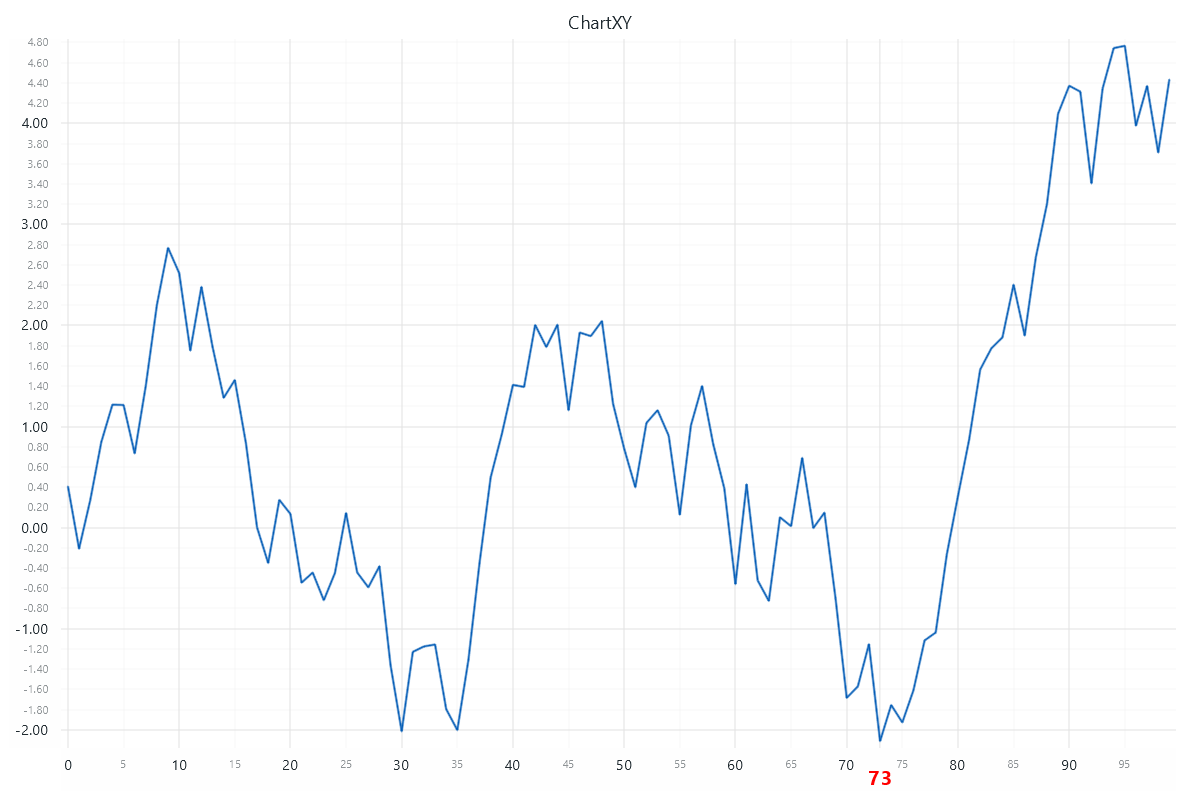
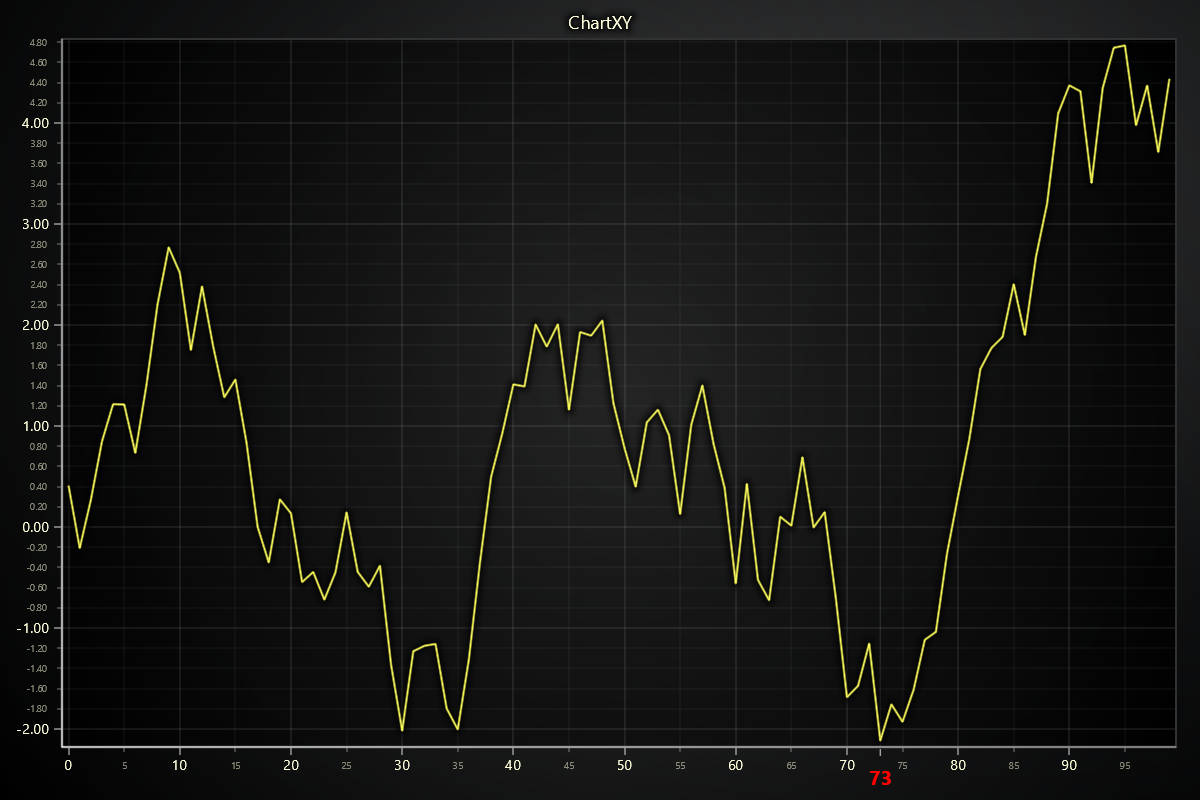
For more details about Custom Ticks, please see custom tick.
Band
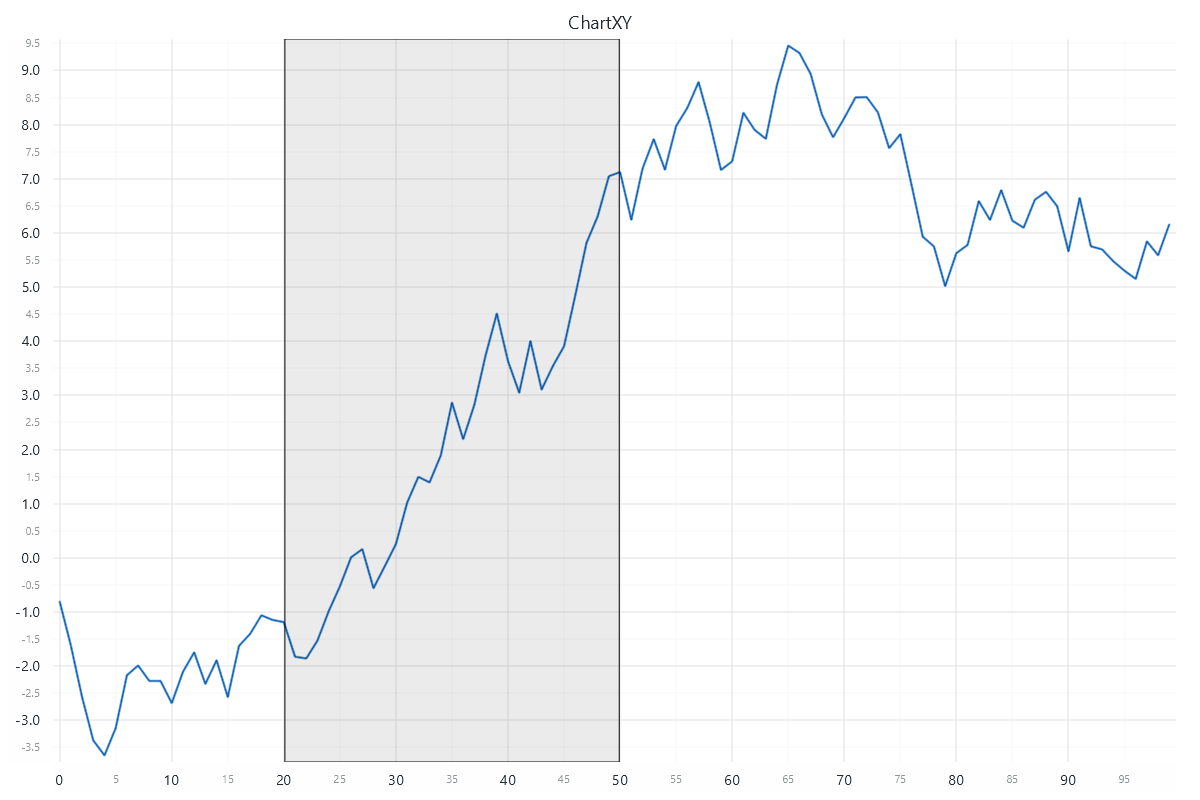
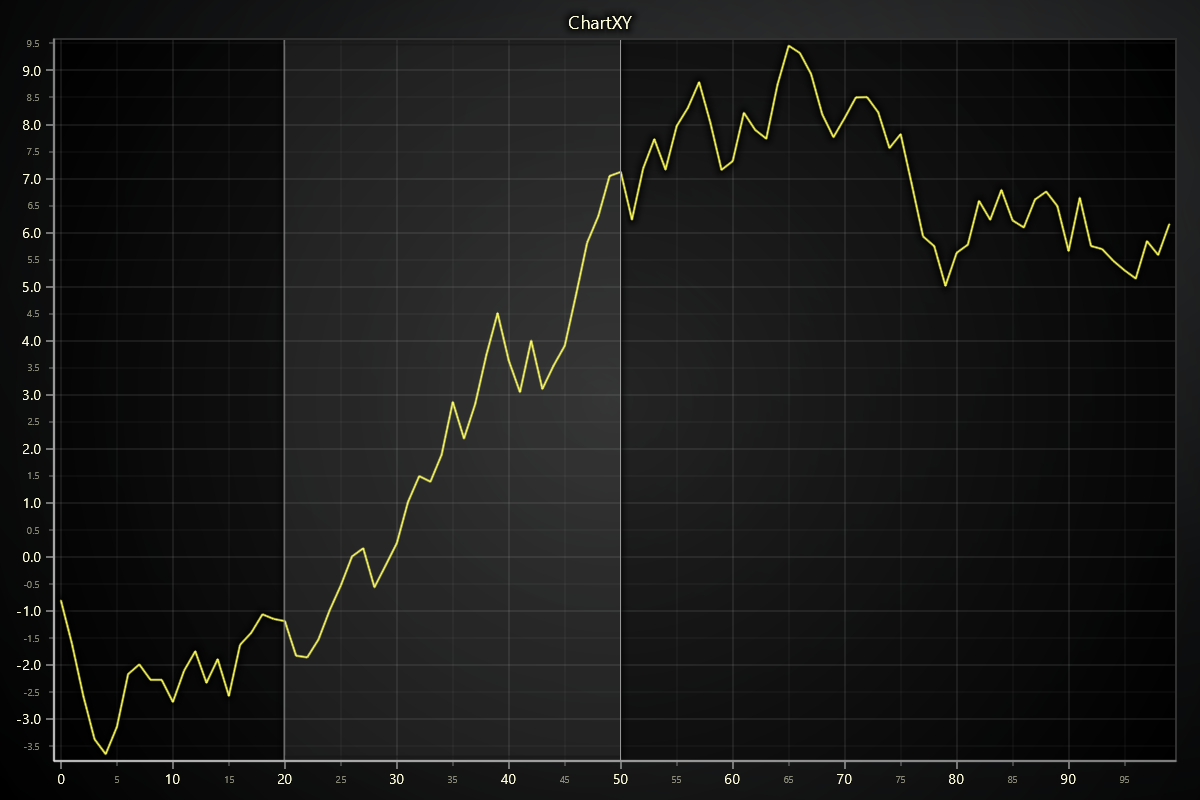
Band is a component that highlights an interval on the Axis.
import lightningchart as lc

lc.set_license('my-license-key')

chart = lc.ChartXY()
axis = chart.get_default_x_axis()

band = axis.add_band()
band.set_value_start(20.0)
band.set_value_end(50.0)
Constant Line
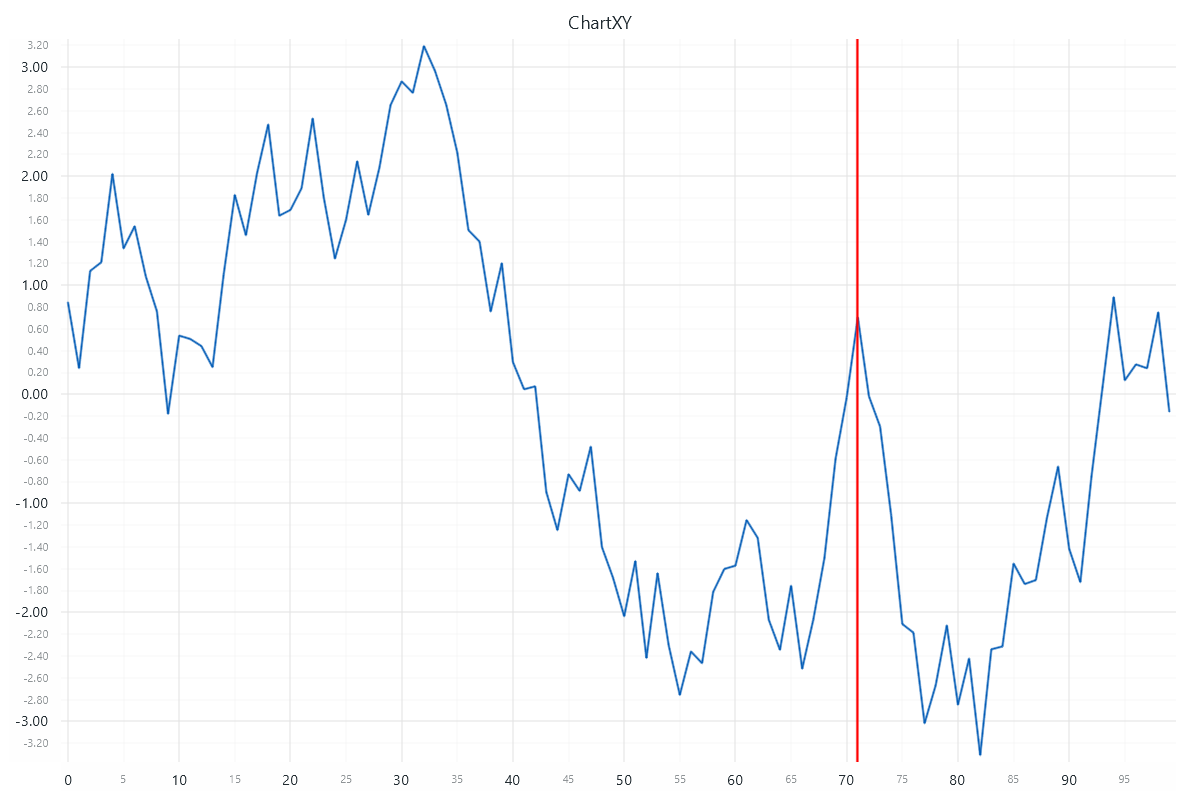
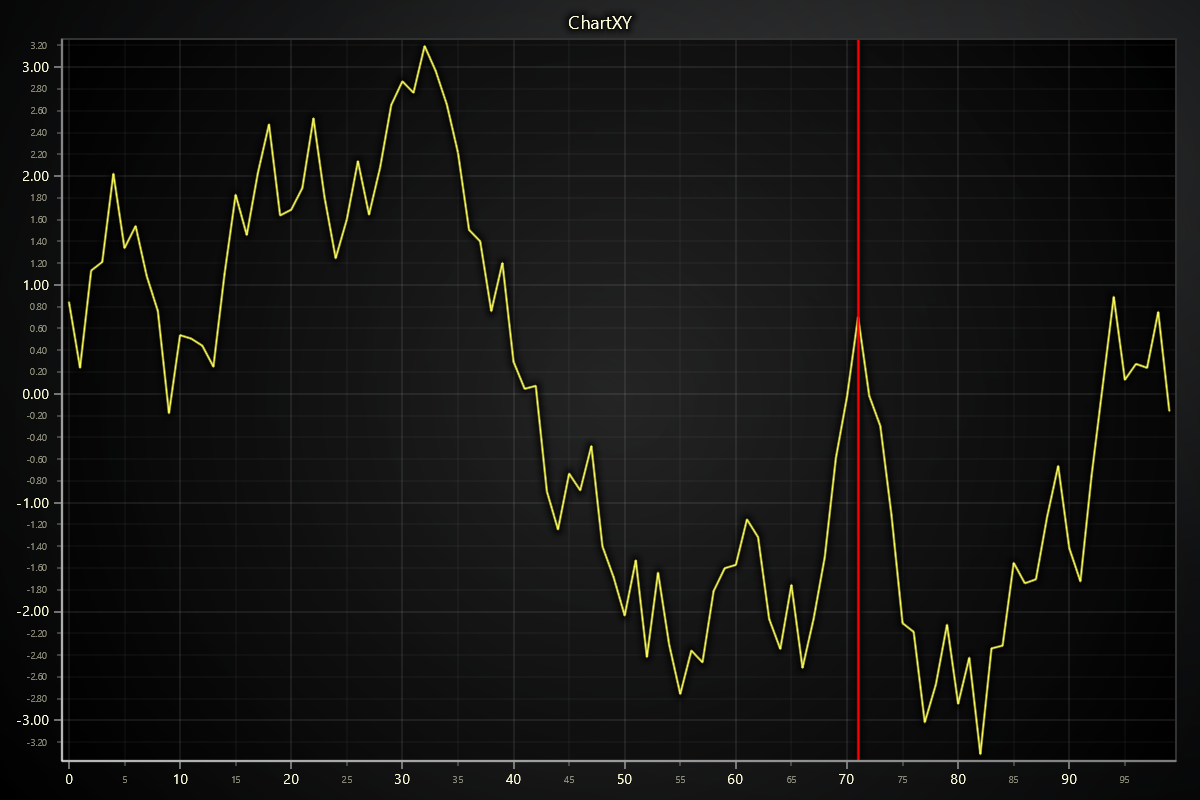
Constant Line is a component that highlights a single position on the Axis.
import lightningchart as lc

lc.set_license('my-license-key')

chart = lc.ChartXY()
axis = chart.get_default_x_axis()

constant_line = axis.add_constant_line()
constant_line.set_value(71.5)
constant_line.set_line_thickness(2.5)
constant_line.set_line_color((255, 0, 0))
Text Box & Pointable TextBox
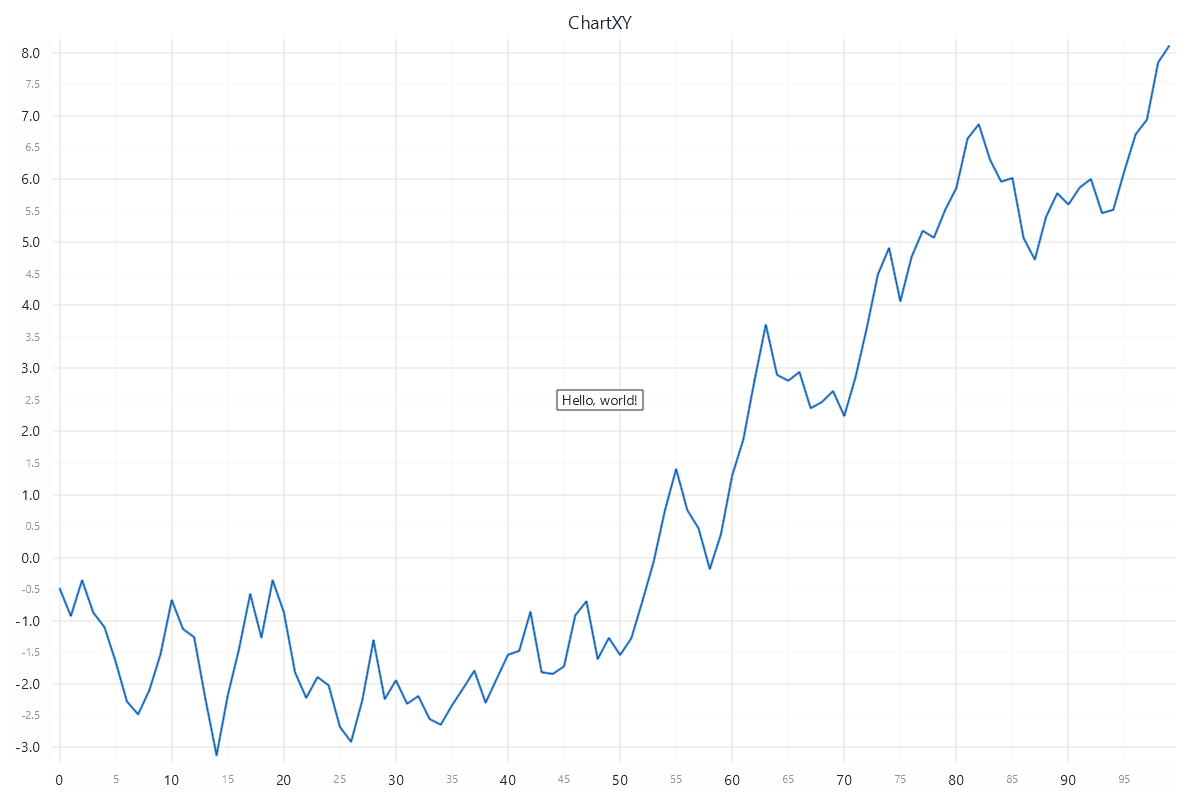
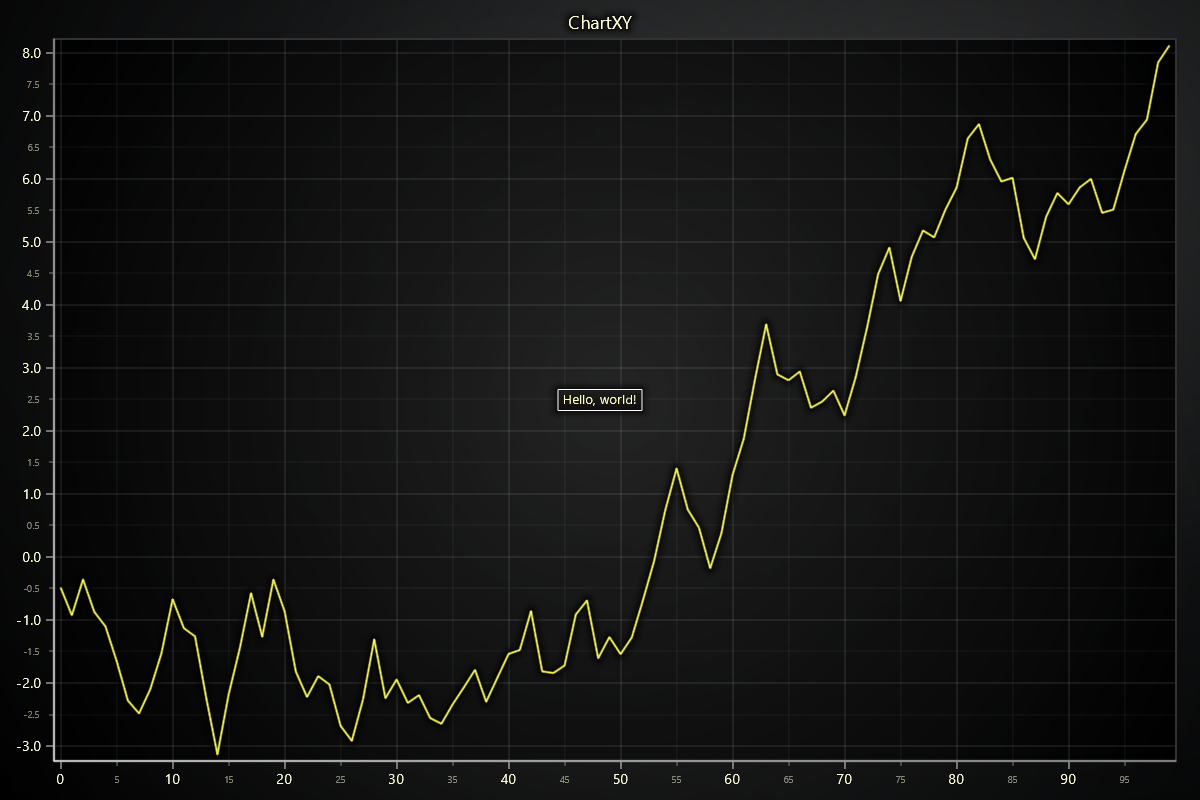
Text Box is a component that can display textual information on top of a chart.
import lightningchart as lc

lc.set_license('my-license-key')

chart = lc.ChartXY()

text_box = chart.add_textbox()
text_box.set_text('Hello, world!')
For more details please refer to TextBox section.
CheckBox & ButtonBox
CheckBox is a component that allows the user to toggle a boolean value.
ButtonBox uses the same API and styling options, but behaves as a momentary button (press -> on -> auto off). Use CheckBox for persistent toggles and ButtonBox for action-style interactions. For available methods, see CheckBox.
import lightningchart as lc

lc.set_license('my-license-key')

chart = lc.ChartXY()
checkbox = chart.add_checkbox()
checkbox.set_text('Show sine')
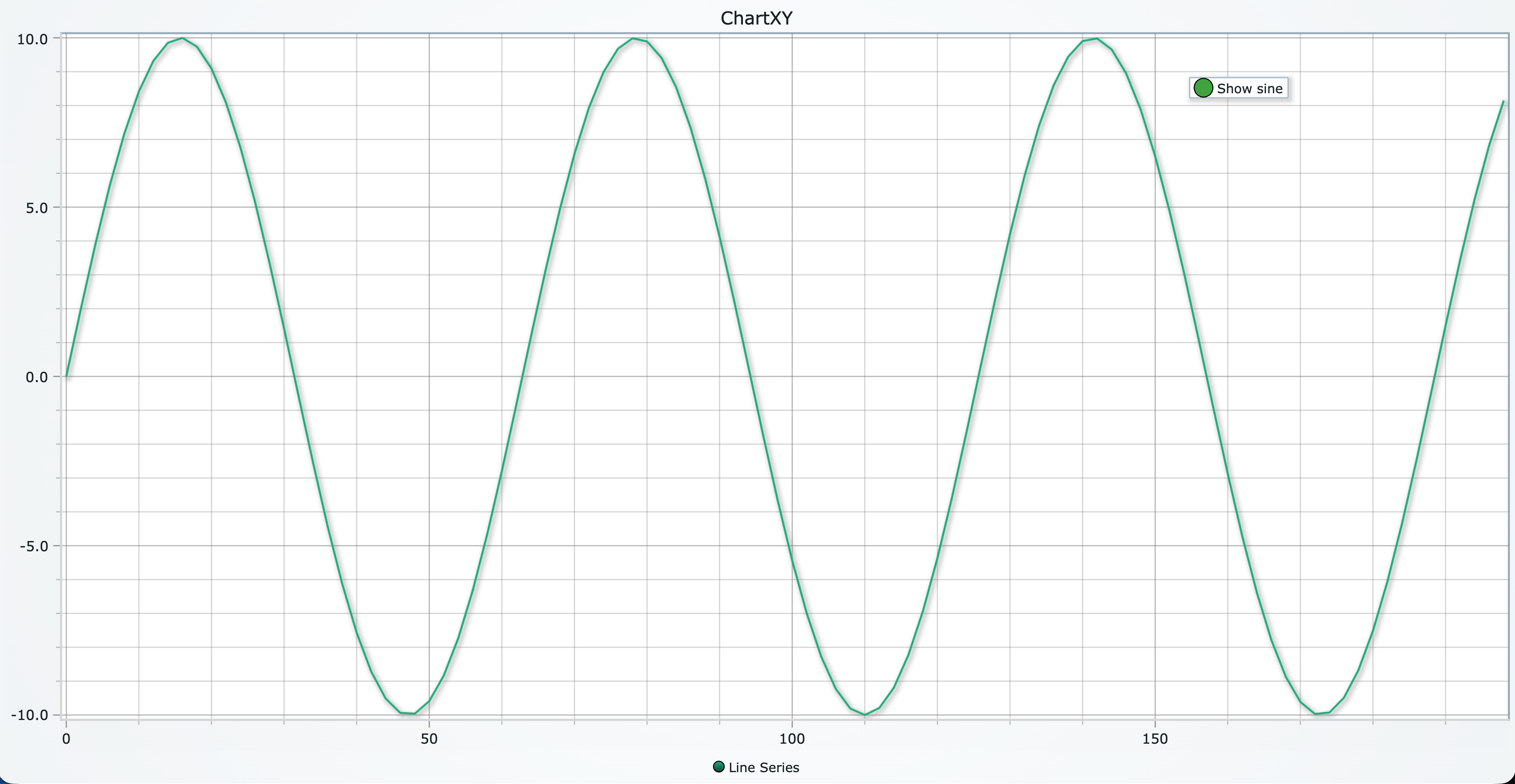
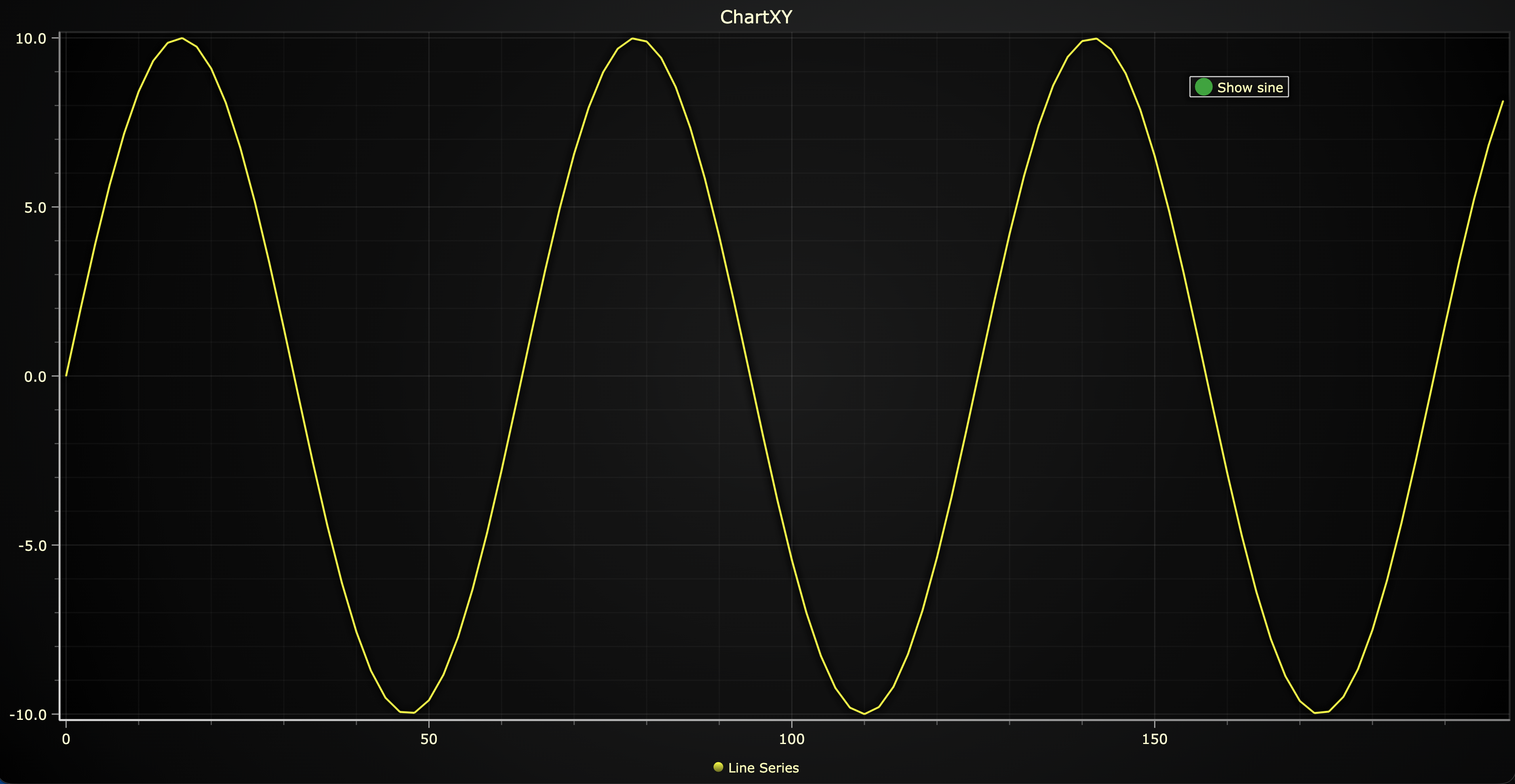
For more details please refer to CheckBox section.
User Interactions
Please see common User Interactions section.
Legend
Please see common legend section.